Dopuz Chess1.02
Continue to app
Free Version
Publisher Description
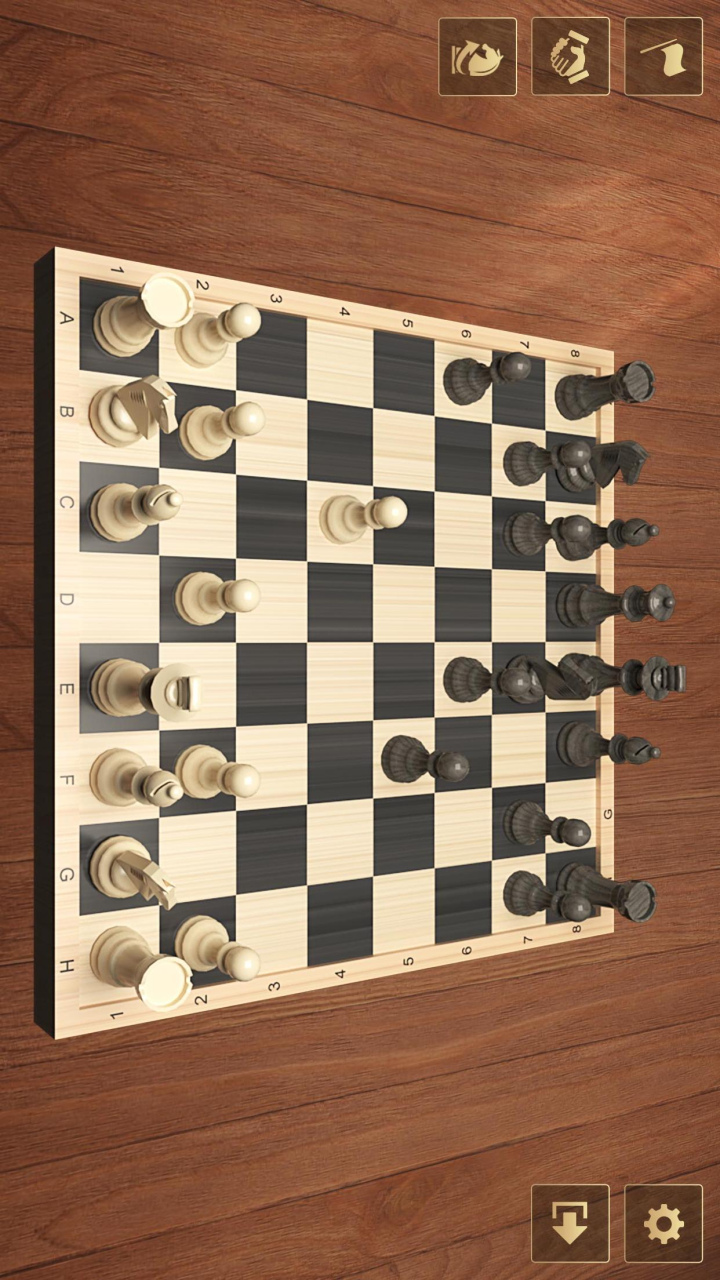
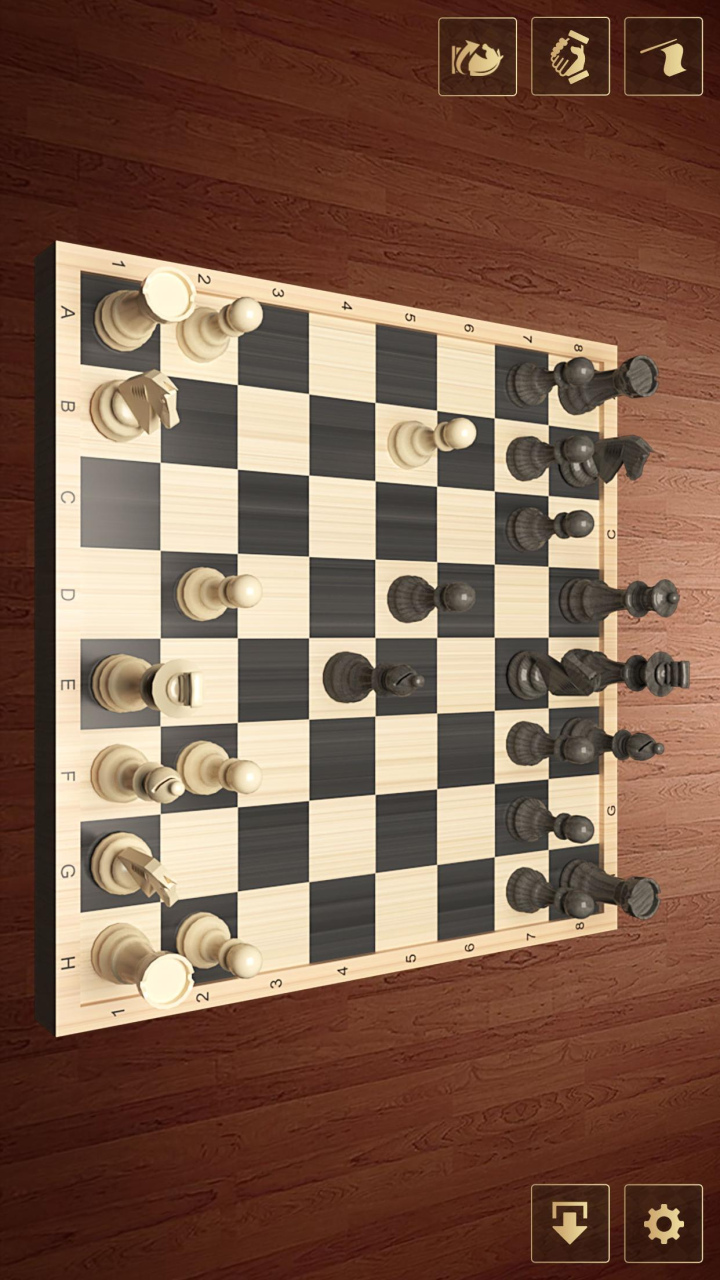
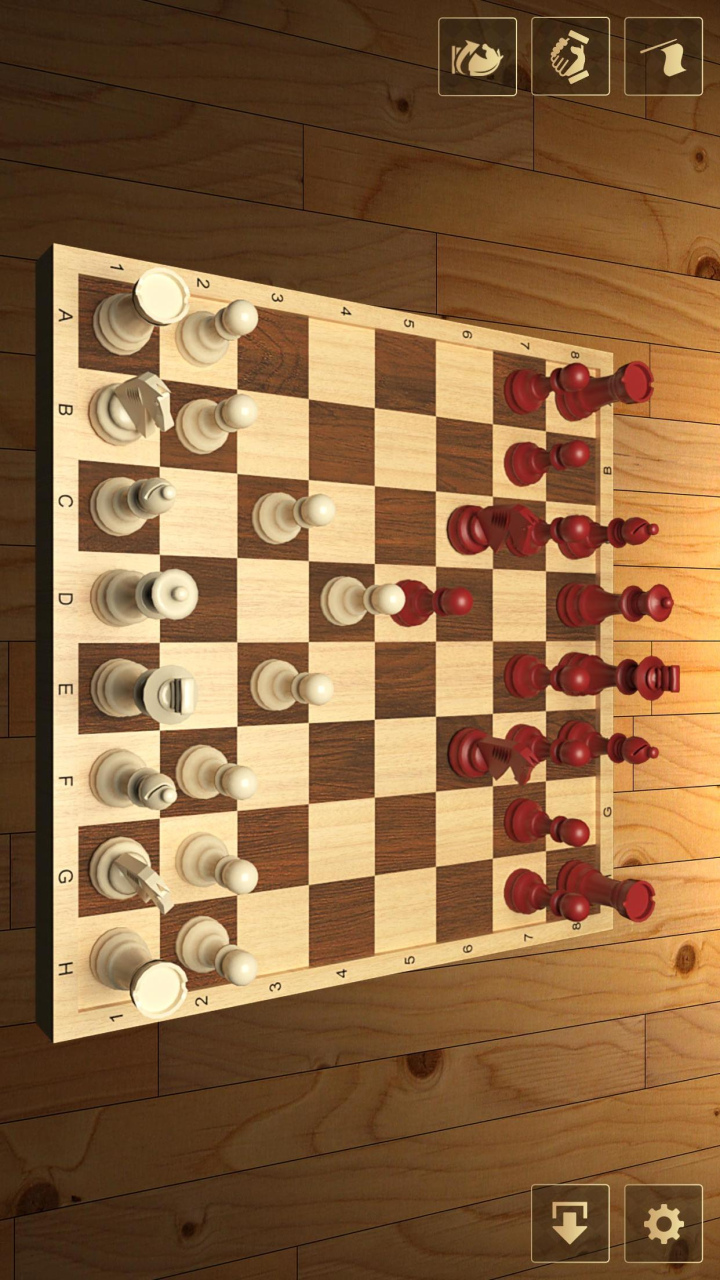
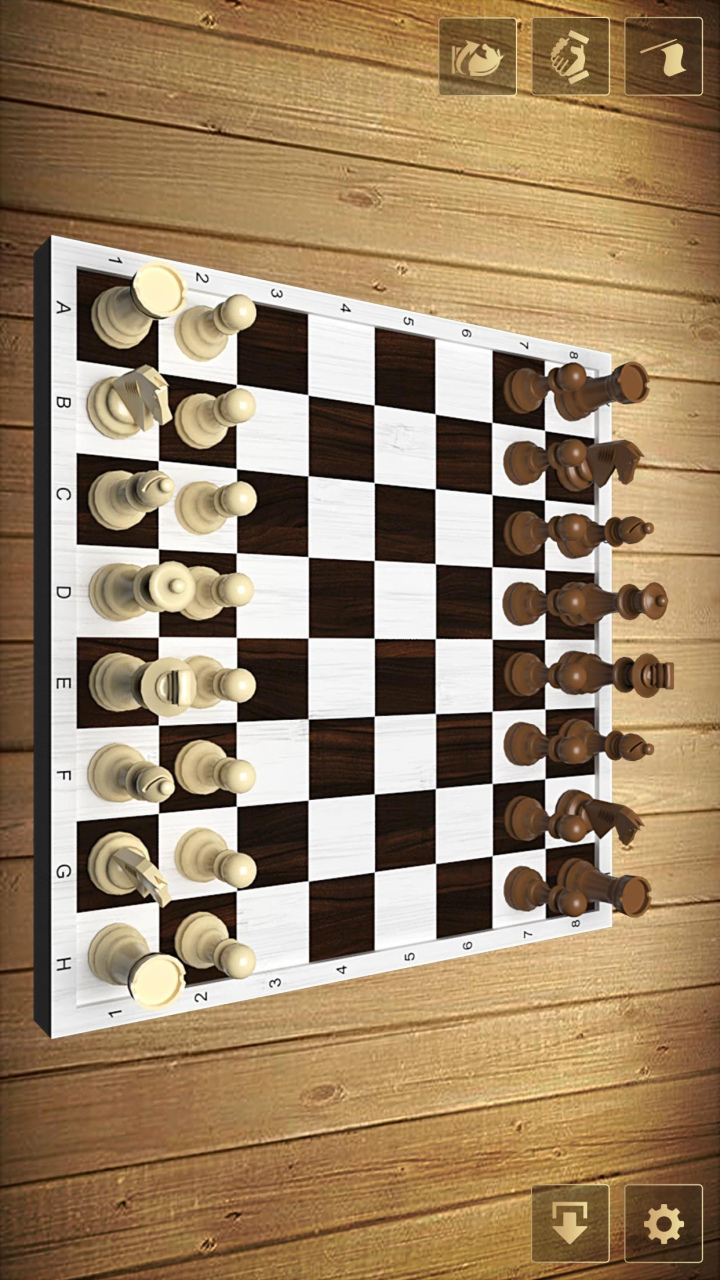
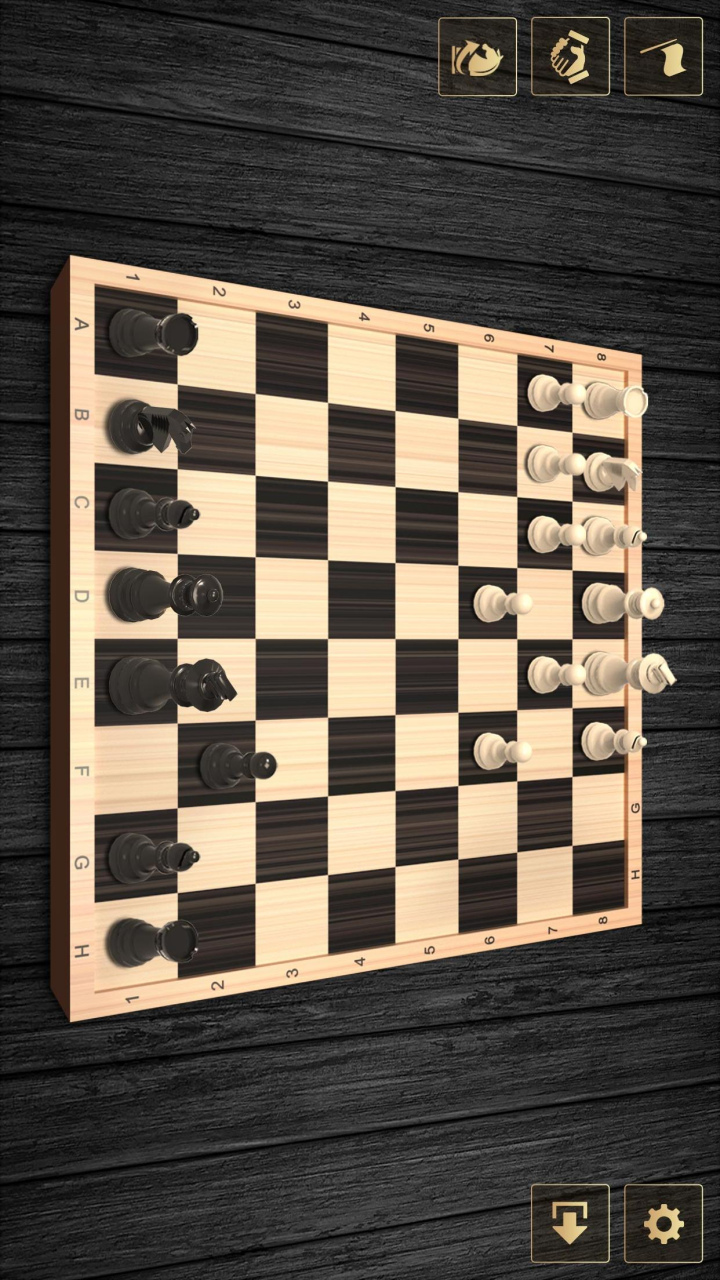
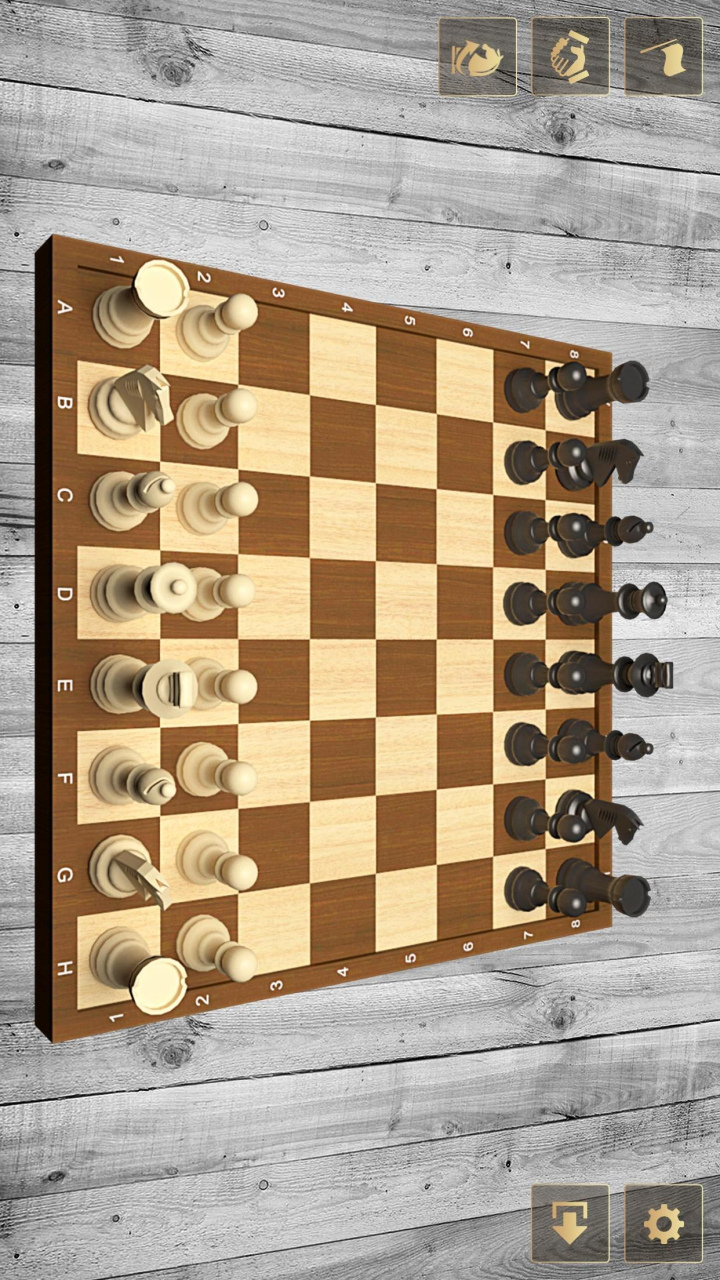
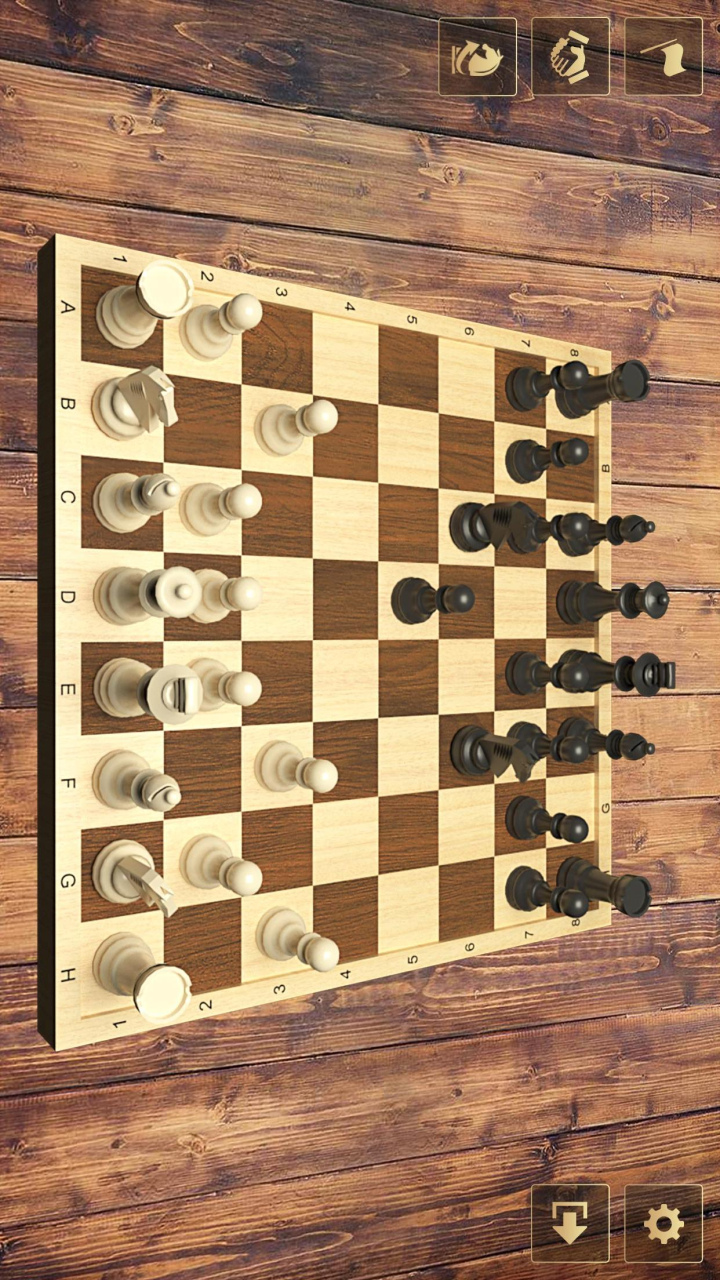
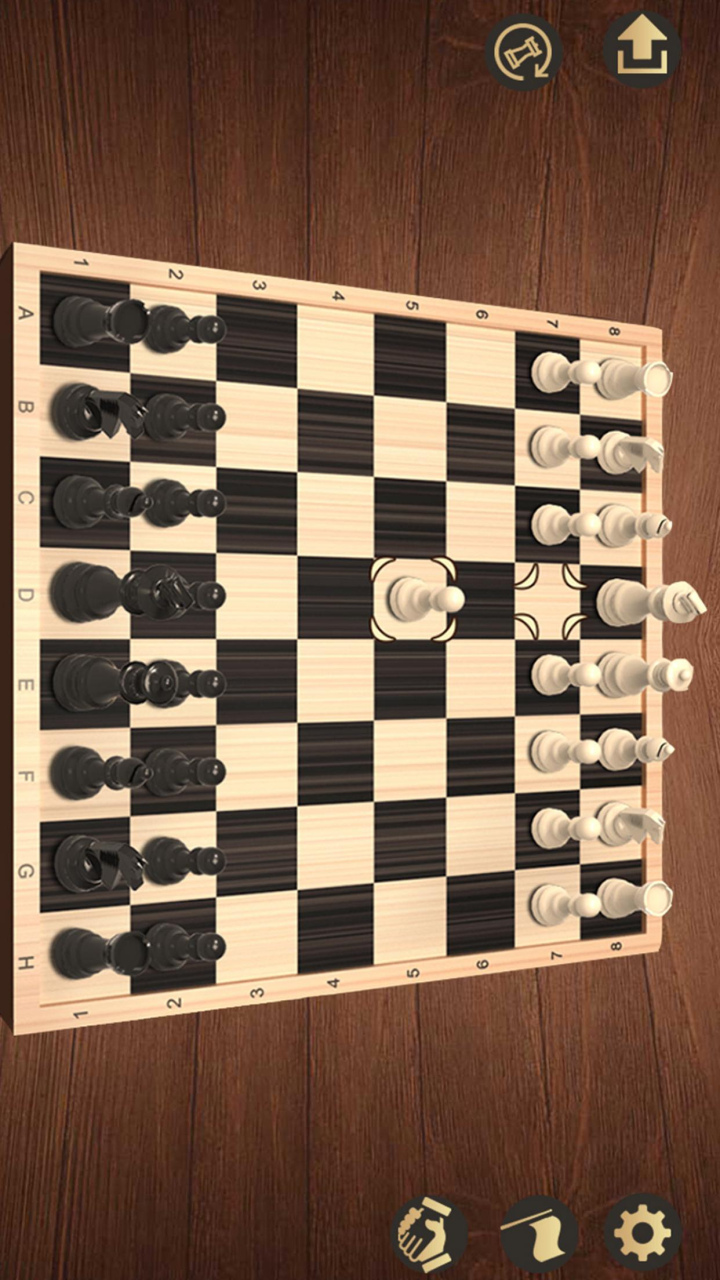
Chess is 2 player strategy board games played on a chessboard, a checkered game board with 64 squares arranged in an 8×8 grid. With universal rules and exciting gameplay, Chess is popular in the world. With powerful chess AI, amusing challenge mode, Chess Kingdom will bring you an amazing adventure!
Top FEATURES of Chess Kingdom free:
♞Detailed chess rules with clear diagram
♞Online, Computer, Double, Review modes
♞Great graphics and exciting sound effects
♞Infinite hint and undo function free for you
♞3 difficulty online levels (Junior>Senior)
♞Retro UI design and comfortable setting
♞Powerful Chess AI, easier for the beginners
♞Add local server to keep the stable network
♞Auto save game progress and each move
♞Play with chess masters all over the world
♞Face to face chess online with friends
♞2 player chess: Interactive chess game
Four Modes of Chess:
ONLINE: Challenge real online chess game with real opponents from all over the world. Online real time battle mode brings you infinite game experience in chess game set and helps you from chess novice to chess pro. Four Room to challenge: Junior Room, Middle Room, Senior Room and Play with friends.
COMPUTER: Chess offline practice with AI: perfect chess engine, play chess against computer. Simple chess for everyone, special for amateur. Daily rapid chess game free challenge to get quickly promotion. Single player games mode is your best daily brain trainer and chess tutor.
DOUBLE: In this mode, you can chess with your friends face to face. The screen of your phone is the best chessboard. Enjoy free unlimited games and improve your chess rating with your friends and families.
REVIEW: After finish a game, it will auto save in the Review page. You can re-play the finished chess online 2 player game and check the battle records of chess, which will help you analyze the battle information of chess, improve skills and unlock your inner chess master!
Get an amazing experience in chess games online for free!
✓Finish Daily Challenge can get rich rewards
✓Hints can guide you through the points when you are stuck
✓Chess timer: Record your game time and step time
✓When battling with AI, you can change the color of pieces in any time
✓Unlimited undos. You can put it back quickly when you make mistakes
Learn how to play Chess Kingdom Game!
Chess puzzles begin with a grid in which each player possesses 16 chess pieces: one king, one queen, two rooks, two knights, two bishops, and eight pawns. Each of the six piece types moves differently. The objective is to checkmate the opponent's king by placing it under an inescapable threat of capture.
Best free chess app available for Android!
Are you tired of playing chess games that look like they were designed for large screen instead of today's smartphones? We've created a chess mobile game for you. Chess Kingdom is the best looking chess for Android, and it's free! All of you can play and challenge in any place and any time with your smartphone.
Free family chess online for all ages!
Whether you’d like to relax or keep your mind alive, all of you can join the free board games, become chess king, pass time in a pleasant way! It’s free multiplayer chess family for kids. Train your brain with the ultimate chess anywhere, anytime.
Hope you have fun and enjoy a lot!
About Dopuz Chess
Dopuz Chess is a free app for Huawei published in the Board list of apps, part of Games & Entertainment.
The company that develops Dopuz Chess is 匯億量有限公司. The latest version released by its developer is 1.02.
To install Dopuz Chess on your Huawei device, just click the green Continue To App button above to start the installation process. The app is listed on our website since 2023-03-01 and was downloaded 12 times. We have already checked if the download link is safe, however for your own protection we recommend that you scan the downloaded app with your antivirus. Your antivirus may detect the Dopuz Chess as malware as malware if the download link to C103149181 is broken.
The company that develops Dopuz Chess is 匯億量有限公司. The latest version released by its developer is 1.02.
To install Dopuz Chess on your Huawei device, just click the green Continue To App button above to start the installation process. The app is listed on our website since 2023-03-01 and was downloaded 12 times. We have already checked if the download link is safe, however for your own protection we recommend that you scan the downloaded app with your antivirus. Your antivirus may detect the Dopuz Chess as malware as malware if the download link to C103149181 is broken.
How to install Dopuz Chess on your Huawei device:
- Click on the Continue To App button on our website. This will redirect you to Huawei Store.
- Once the Dopuz Chess is shown in the Huawei Store listing of your Huawei device, you can start its download and installation. Tap on the Install button located below the search bar and to the right of the app icon.
- A pop-up window with the permissions required by Dopuz Chess will be shown. Click on Accept to continue the process.
- Dopuz Chess will be downloaded onto your device, displaying a progress. Once the download completes, the installation will start and you'll get a notification after the installation is finished.
Program Details
System requirements
Operating systems
Huawei
Download information
File size
63.3 MB
Total downloads
12
Pricing
License model
Free
Price
Version History
Here you can find the changelog of Dopuz Chess since it was posted on our website on 2023-06-22. The latest version is 1.02 and it was updated on Soft112 on 13 October, 2026. See below the changes in each version:
